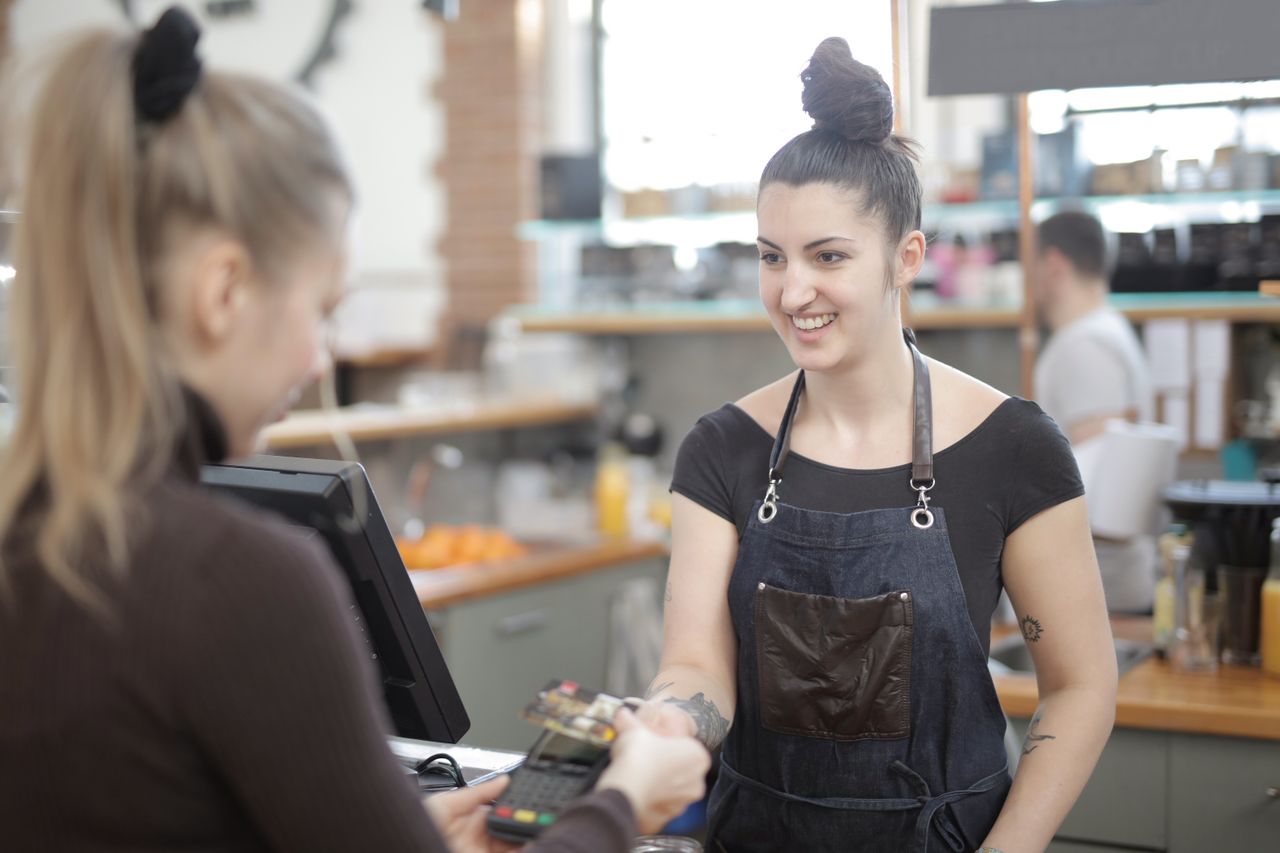
A café EPOS system needs to do five things well: take a customised drink order in seconds, accept contactless and mobile wallet payments, run a loyalty scheme, handle order-ahead, and track stock so you stop running out of oat milk.
Independent cafés are a growing market. World Coffee Portal's Independents Report UK 2026 counted 13,211 independent coffee shops, with annual sales up 3.8% to £5.1 billion. Its Project Café UK 2025 study also found that 60% of consumers now visit coffee shops several times a week, up from 56% the year before. A good epos system for cafe owners should help you recognise and reward those regulars.
What makes a café different from a restaurant?
Speed. A restaurant takes one order per table per hour; a café takes one order per person every 90 seconds at 8.30am.
The other difference is the number of variants. One flat white can be small or large, decaf, with three milk options and an extra shot. A café EPOS system that hides those modifiers three menus deep will slow every single transaction.
The five features a coffee shop actually needs
1. One-tap modifiers
Milk, size, syrup and extra shot should sit on the same screen as the drink.
2. Contactless and mobile wallet payments
UK Finance's Payment Markets Report 2025 found 65% of UK adults were registered for a mobile wallet in 2025, up from 57% the year before. Contactless made up 39% of all payments. Your card reader needs to be integrated with the till so the total goes straight through with no re-keying.
3. Built-in loyalty
Stamp cards get lost. Digital loyalty tied to the customer's phone number or app tracks visits automatically and lets you send a push notification on a slow Tuesday.
4. Order-ahead
Regulars who order from their phone on the walk in skip the queue and free up counter space. Orders should print or display in the same place as counter orders.
5. Stock and recipe tracking
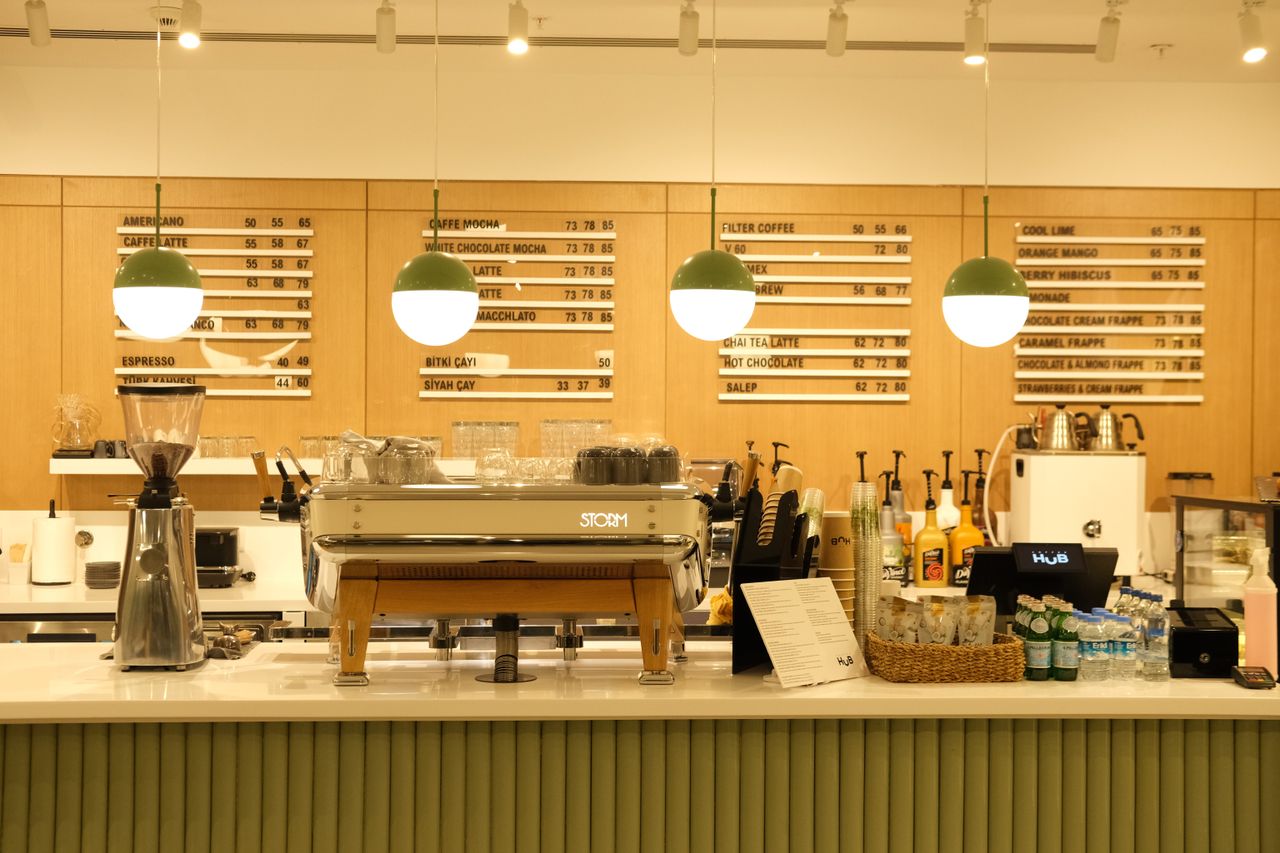
Link each drink to its ingredients so the system tells you when beans and milk are running low and what your real gross margin per cup is.
Which cafe EPOS systems should you rule out?
Rule out any system that fails one of these checks:
- Card processing is locked to one provider with rates you cannot negotiate
- Loyalty and online ordering cost extra as third-party add-ons
- The hardware only works with that supplier's software
- Reports are only accessible from the till itself, not your phone
What should it cost?
Cloud-based cafe EPOS systems in the UK typically run from a low monthly subscription plus card processing, with tablet-based hardware that costs a fraction of a legacy till. Compare the total monthly figure, including card reader, printer and support, not the headline price.
Common mistakes when buying an EPOS for a café
The first mistake is buying on hardware looks alone. A sleek terminal with a slow menu costs you sales every morning. The second is choosing a general retail till with no modifiers, then building workarounds with sticky notes. The third is ignoring integration, so loyalty, order-ahead and the till each hold a different version of your menu.
The best cafe EPOS system is the one that speeds up the queue
The best cafe EPOS system for an independent coffee shop is the one that shortens the morning queue, keeps regulars coming back and costs less than a part-time barista. OrderApps bundles a café EPOS with order-ahead, digital loyalty and push notifications in one platform, so your till, app and rewards all share the same menu.
Ready to grow your food business?
Commission-free ordering, branded apps, bookings, and EPOS on one platform.