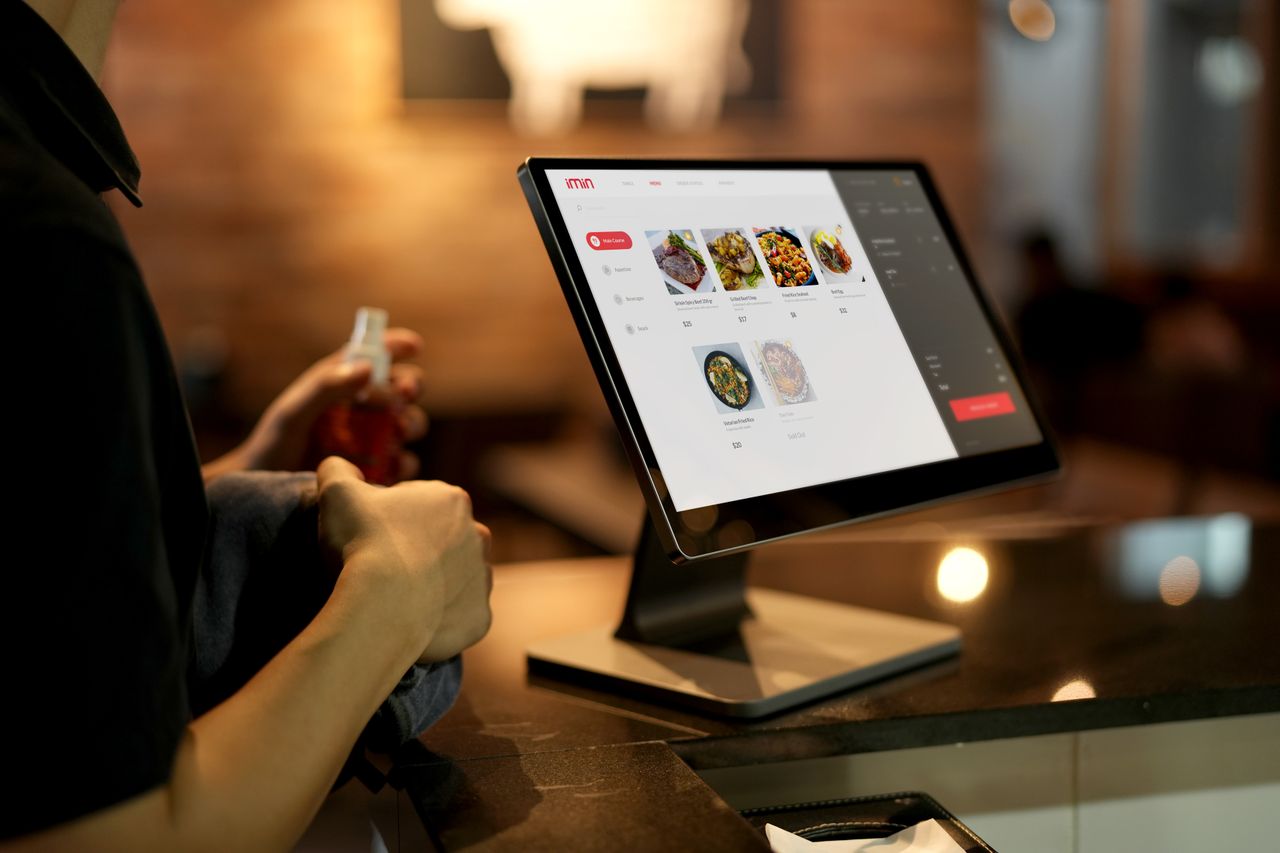
A kitchen display system (KDS) is a kitchen screen that replaces paper tickets, showing every order from your till, website, app and delivery platforms in one queue, colour-coded by time, so staff see what to cook next and mark it done with a tap. It is the simplest way for a takeaway to stop losing and misreading orders.
The pressure on kitchens is rising. Lumina Intelligence forecasts UK foodservice delivery will reach £14.8bn in 2026, while UKHospitality reported in August 2025 that the sector had lost almost 89,000 jobs since the previous Budget, 53% of all UK job losses. More orders and fewer hands make a paper-based pass a real risk.
How does a kitchen display system work?
Every order, whatever its source, arrives on the screen the moment it is placed. Each ticket shows the items, modifiers, allergy notes, order type and the promised collection or delivery time.
Tickets change colour as they age, typically green to amber to red, so the person on the pass can see at a glance which order is late. When a dish is ready, staff tap to bump it. The order moves to a completed list, and the front counter or driver is notified.
What does a KDS replace in a takeaway?
Most UK takeaways still run on a thermal printer and a rail of paper tickets. Paper gets greasy, torn, lost or stuck behind another ticket, and delivery-platform orders often print from a separate tablet.
A kitchen display system merges those streams into one queue. Nobody has to guess whether the aggregator ticket came before the phone order.
The practical benefits for owners
The benefits show up in the first week of use:
- Fewer wrong or missing items, because modifiers and notes are shown clearly on every ticket
- Faster service, because the oldest order is always at the top
- Accurate ready times, so customers and drivers are not left waiting
- Prep-time reports by dish and by hour, so you can fix bottlenecks and staff the right shifts
- No printer paper, ribbon or jams to deal with mid-rush
Lumina's 2026 delivery research also found quality has grown 2.2 percentage points in importance among delivery customers. Consistent, correct orders are how a small takeaway wins on quality without spending on ingredients.
What does a kitchen display system cost in the UK?
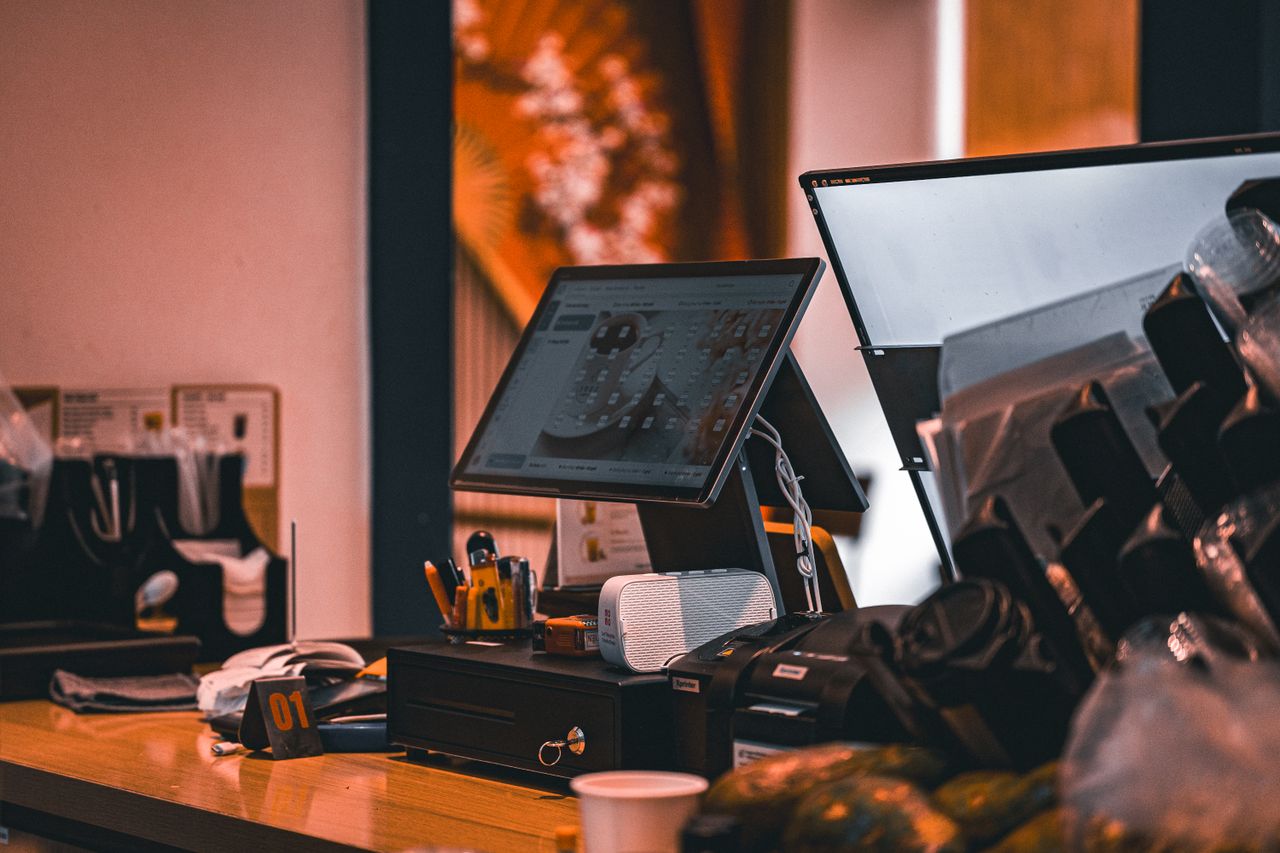
You do not need specialist hardware. A KDS can run on a standard tablet or a wall-mounted touchscreen, which typically costs £150 to £600. Software is usually £20 to £60 per screen per month, or bundled into an EPOS plan.
A splash-proof case, wall bracket and bump bar add £50 to £200. Most takeaways manage with one screen; a larger kitchen might use two.
When a KDS is not worth it
If you take fewer than 30 orders a day and everything comes through one till, a printer is fine. The kitchen display system earns its keep once you have multiple order sources, a delivery driver to coordinate, or more than two people cooking at the same time. At that point, the cost of one lost £25 order a day already exceeds the subscription.
Putting a kitchen display system to work
A kitchen display system gives a busy takeaway one clear queue, fewer mistakes and reliable ready times, whichever channel the order came from. OrderApps includes a kitchen display system that connects to its online ordering, app and EPOS, so every order lands on the same screen the moment it is placed.
Ready to grow your food business?
Commission-free ordering, branded apps, bookings, and EPOS on one platform.