A restaurant online ordering system lets customers order collection or delivery from your own website and app, pays you in full, and sends each order straight to the kitchen, so you keep the 30% a marketplace would take. This guide covers the features that matter, realistic UK costs and setup.
Direct ordering is no longer optional. Lumina Intelligence reports delivery accounted for 10.9% of the UK eating-out market in 2025, up from 6.7% in 2019, with around 10.6% of the population ordering delivery in an average week. Its 2024 channel data shows company-owned platforms handled 26.4% of delivery occasions, so customers are clearly willing to order direct when the option is easy.
What features does an online ordering system for restaurants need?
Start with the customer's phone. UK Finance's 2025 payments report found half of UK adults regularly use Apple Pay or Google Pay, so one-tap wallet checkout is essential.
Beyond that, a good restaurant online ordering system should offer:
- A mobile-friendly menu with modifiers, meal deals and allergen information
- Collection time slots and delivery zones with minimum order values
- Saved customer accounts, reorder buttons and loyalty rewards
- Push notifications and email for offers and order updates
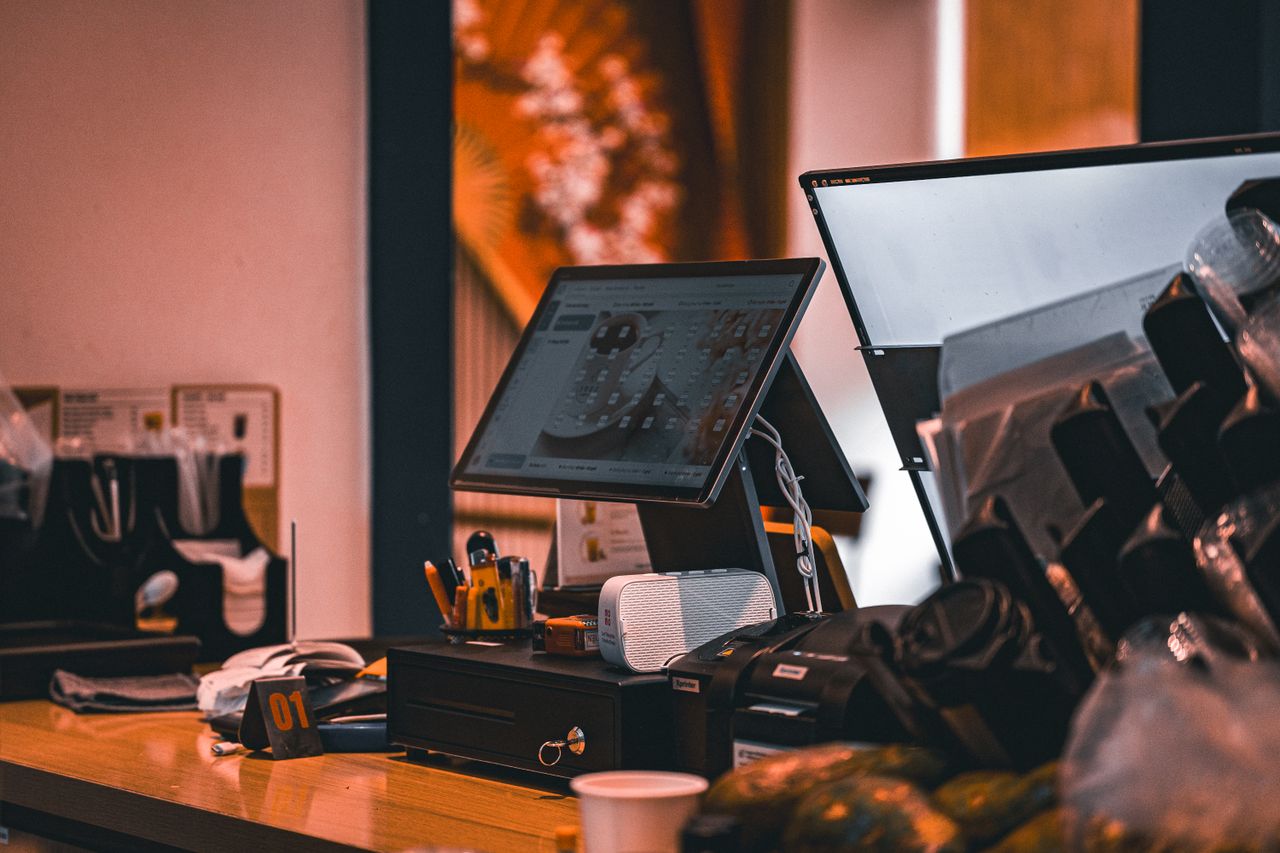
- Kitchen printing or a kitchen display, plus EPOS integration
Multi-language menus and catering forms can wait until customers ask.
How much does a restaurant online ordering system cost in the UK?
There are three pricing models. Fixed subscriptions run roughly £30 to £150 a month and are the most predictable. Per-order fees of 5% to 15% look cheap at low volume but scale against you. "Free" systems usually charge customers a service fee or take a margin on card processing.
For comparison, Uber Eats' published UK merchant pricing lists a 30% service fee on orders it delivers and 13% on pick-up, plus a £650 activation fee excluding VAT. A restaurant doing £4,000 a week in marketplace delivery pays around £1,200 a week in commission, so moving even a third of those orders direct pays for any subscription many times over.
Website, app, or both?
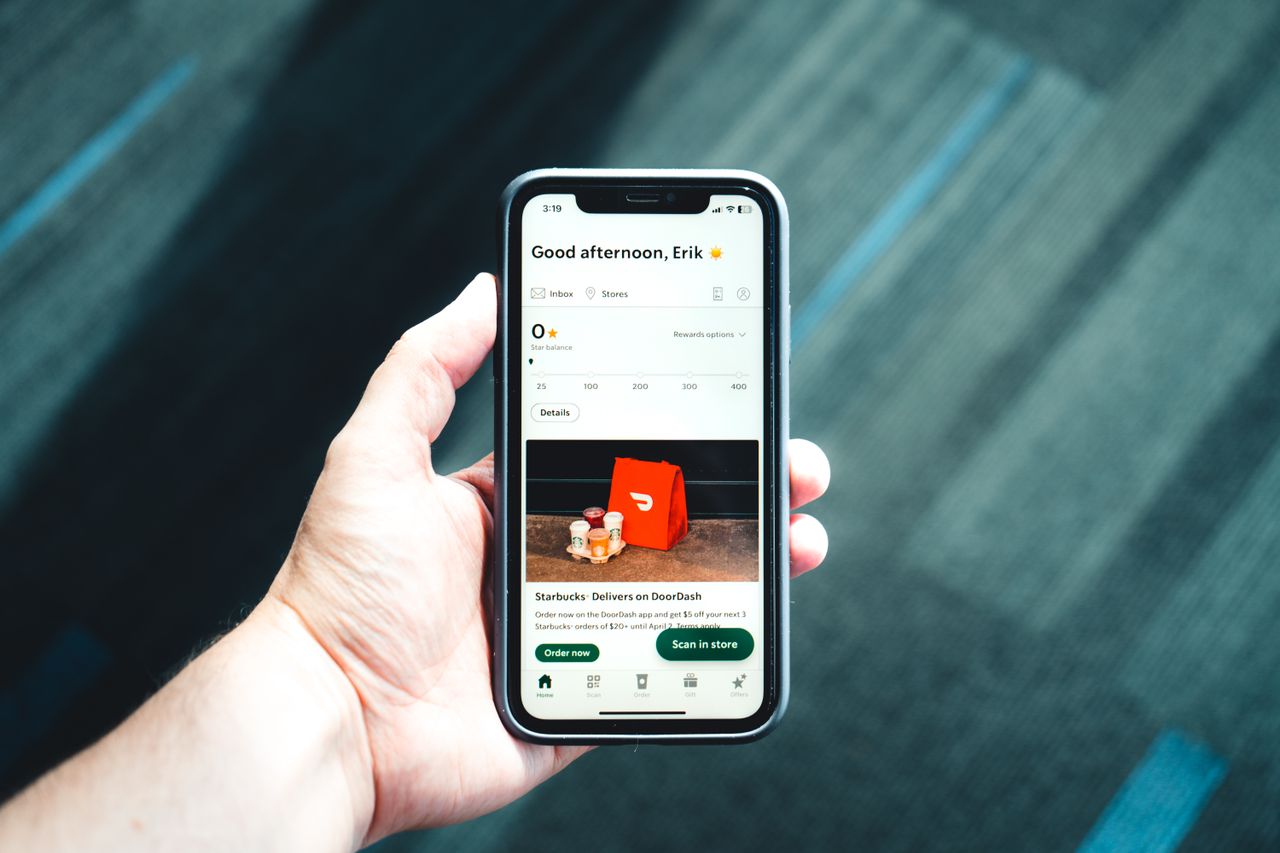
A website ordering page catches new customers searching on Google. A branded app is where repeat customers live: it sits on their home screen, remembers their usual order and receives push notifications.
For independents, the sensible answer is both, provided they share one menu and one customer database.
How to set up online ordering in five steps
1. Tidy your menu
Rewrite descriptions, add photos of your top ten sellers, and check every option and price. This is the biggest factor in conversion.
2. Set your operating rules
Decide collection lead times, delivery postcodes, minimum spend and busy-period limits so the kitchen is not swamped.
3. Connect payments and the kitchen
Link your card processing, then route orders to a printer, kitchen display or EPOS so nothing is retyped.
4. Test on real phones
Place orders on Android and iPhone, on Wi-Fi and 4G. Fix anything needing more than three taps.
5. Launch to existing customers first
Put "order direct" on receipts, bags, your Google Business Profile and social pages, with a first-order reward. Restaurant online ordering then needs the same care as the dining room: keep the menu current and send at least one offer a month.
Choosing a restaurant online ordering system
The best restaurant online ordering system for an independent is commission-free, works on web and app, and drops orders straight into your kitchen and till. OrderApps offers exactly that, with a branded restaurant app, loyalty and push notifications built in, so you can be taking direct orders this week.
Ready to grow your food business?
Commission-free ordering, branded apps, bookings, and EPOS on one platform.