Running a restaurant or café is no longer only about serving great food.
Customers now expect to browse menus online, place orders from their phones, book tables instantly, pay digitally and receive offers that are relevant to them. At the same time, restaurant owners need to control costs, manage busy service periods and encourage customers to return.
This is where OrderApps can help.
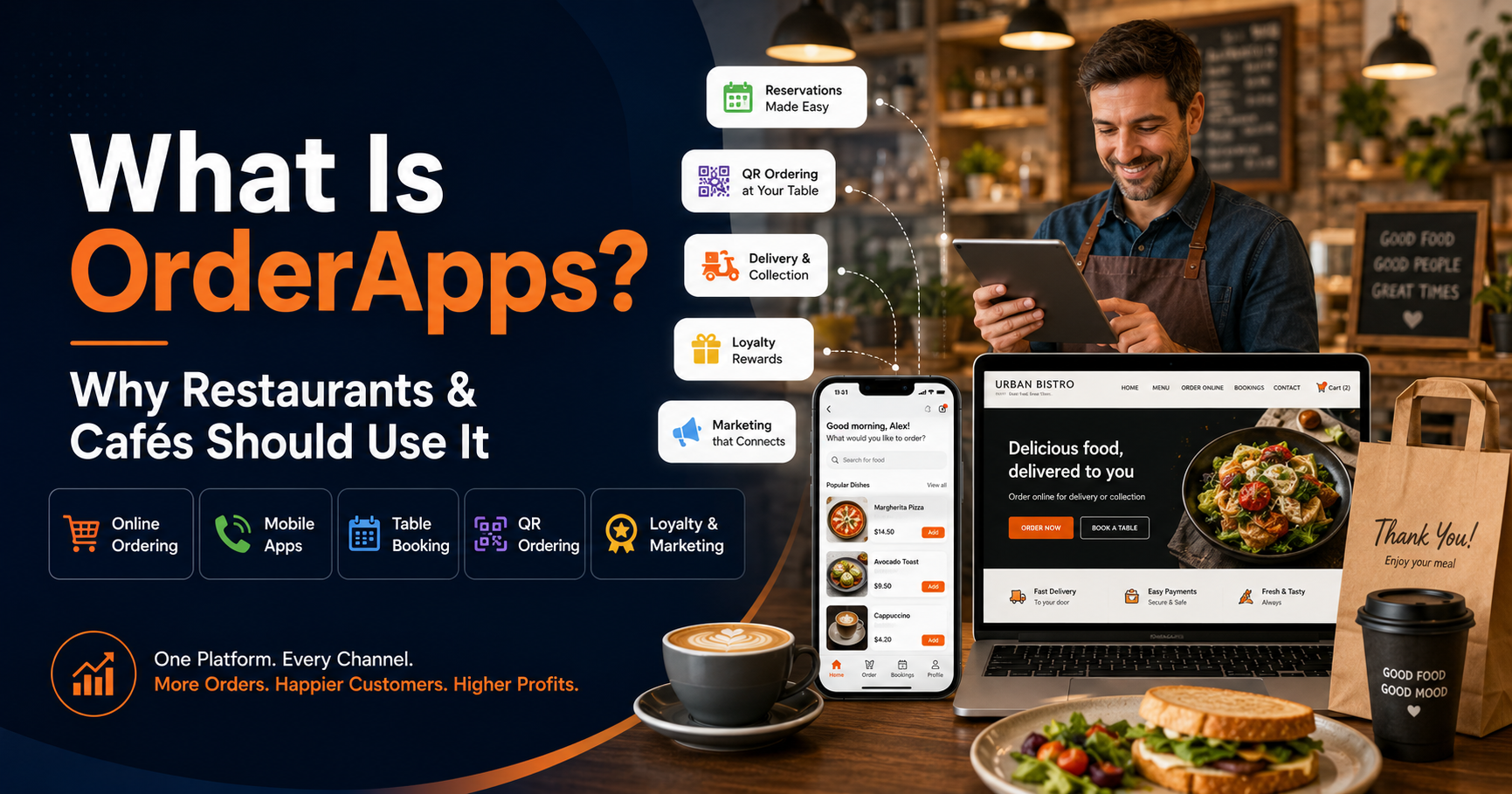
OrderApps is an all-in-one online ordering and restaurant management platform built for UK food businesses. It gives restaurants and cafés their own branded ordering website, mobile apps and customer engagement tools. Depending on the selected plan, businesses can also access table reservations, QR and NFC table ordering, point-of-sale features and automated marketing.
Instead of relying entirely on third-party delivery marketplaces, you can use OrderApps to build a direct relationship with your customers under your own brand.
What Is OrderApps?
OrderApps is a digital platform that helps food businesses manage online, takeaway, delivery and dine-in orders.
It is designed for businesses such as:
- Restaurants
- Cafés and coffee shops
- Takeaways
- Bakeries
- Grocery and convenience shops
- Cloud kitchens
- Multi-location food businesses
The platform can provide your business with a fully branded online ordering website and mobile apps for iOS and Android. Customers can view your menu, choose their items, pay online and select delivery or collection.
Restaurants can also use OrderApps for table reservations and QR or NFC table ordering. This allows dine-in customers to scan a QR code or tap an NFC tag, browse the menu and place their order from their own phone.
The aim is simple: bring more parts of your restaurant operation into one connected platform.
Why Does Your Restaurant or Café Need an Online Ordering System?
Customer behaviour has changed.
Many people prefer to check a menu, compare prices and place an order before contacting a restaurant. A café customer may want to order coffee before leaving home. A restaurant customer may want to reserve a table without making a phone call. A takeaway customer may prefer ordering directly from the business instead of using a marketplace.
Without your own ordering system, these customers may choose a competitor that offers a faster and easier experience.
A direct ordering platform helps you meet these expectations while keeping your branding visible throughout the customer journey.
1. Receive Orders Through Your Own Brand
When customers order through a large delivery marketplace, the marketplace’s branding usually remains highly visible.
With OrderApps, your ordering website and mobile apps can use your own:
- Business name
- Logo
- Brand colours
- Menu
- Product photographs
- Offers and promotions
This gives customers a consistent experience from the moment they discover your business to the moment they complete their order.
Your restaurant becomes the brand they remember, not simply another listing inside a third-party platform.
OrderApps also provides businesses with control over menus, prices, designs and promotions, allowing changes to be managed through the platform.
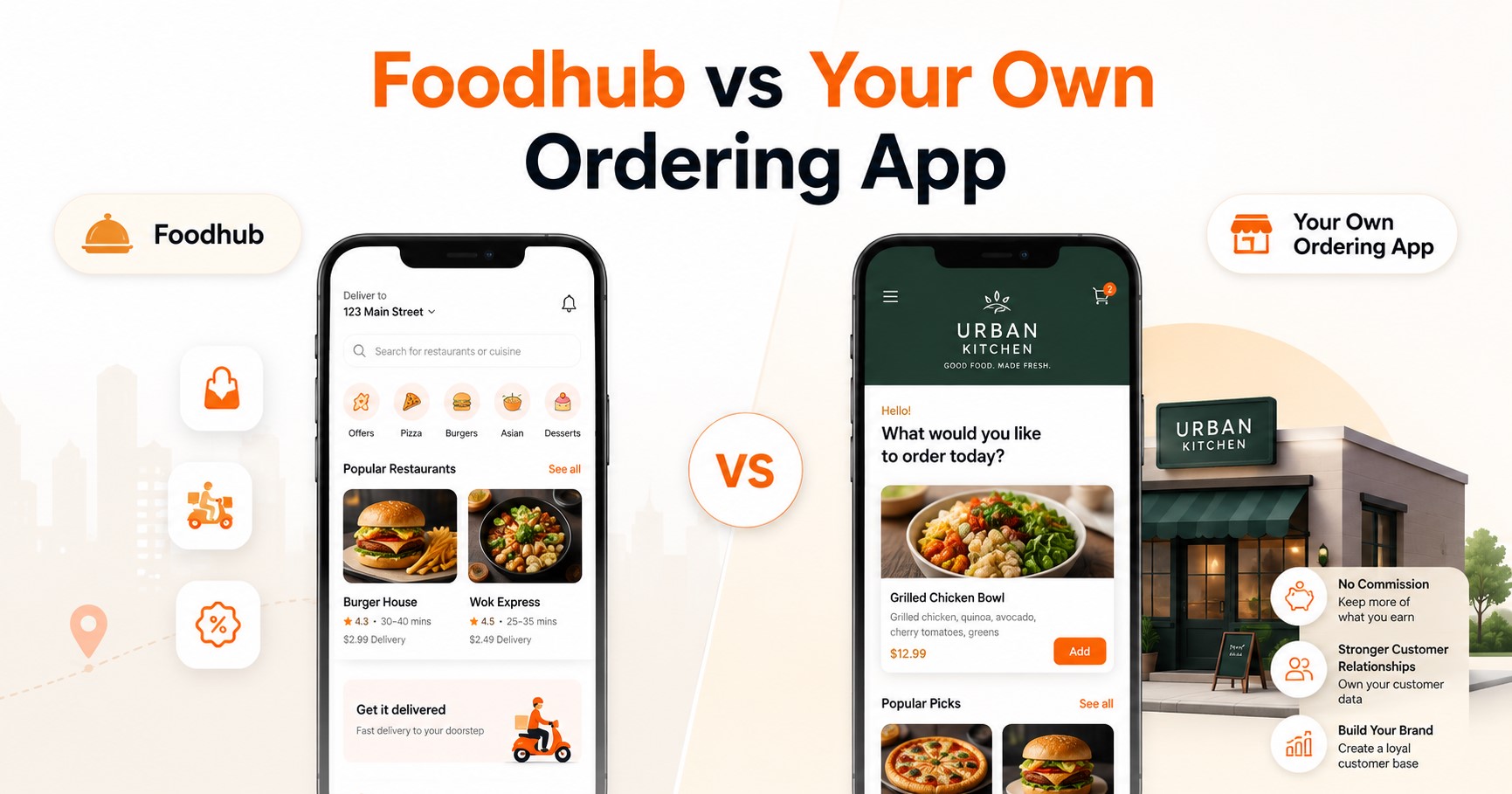
2. Reduce Dependence on Delivery Marketplaces
Delivery marketplaces can help customers discover your restaurant, but relying on them for every order can weaken your direct customer relationship.
OrderApps gives you an additional sales channel where customers can order directly from your website or branded app.
That does not mean you must immediately stop using every marketplace. You can continue using them for visibility while encouraging existing customers to place future orders through your own platform.
This balanced approach can help you:
- Keep more control over the ordering experience
- Build your own customer database
- Promote direct ordering
- Create your own loyalty offers
- Reduce long-term dependence on external platforms
OrderApps uses monthly plans with transaction charges that vary by package. At the time of writing, its published plans start at £19 per month, with transaction charges ranging from 3.9% to 1.49% per order. A one-time setup fee is also listed.
This should be compared with your current marketplace, payment-processing and software costs before choosing a plan.
3. Make Ordering Easier for Customers
Convenience can strongly influence where people choose to order food.
A complicated ordering process creates unnecessary friction. Customers may leave when they cannot find the menu, understand the delivery options or complete payment easily.
OrderApps provides an ordering experience that allows customers to:
- Open your website or mobile app.
- Browse your menu.
- Select products and available options.
- Choose delivery or collection.
- Pay online.
- Receive an order confirmation.
For cafés, pre-ordering can be especially useful during the morning and lunchtime rush. Customers can order coffee, breakfast or baked items in advance and collect them when they arrive.
This can create a smoother experience for both the customer and your staff.
4. Manage Delivery and Collection Orders
Not every customer wants the same type of service.
Some want home delivery. Others prefer to collect their food on the way home. Café customers may want to schedule an order before travelling to work.
OrderApps allows restaurants and cafés to offer different ordering options through their own branded platform. Its published features include delivery zones, order scheduling and control over menus and availability.
For example, your business may be able to:
- Set the areas where you deliver
- Apply different delivery charges
- Establish minimum-order requirements
- Offer collection
- Allow customers to order ahead
- Control when delivery or collection is available
These tools help you create ordering rules that suit your kitchen capacity and delivery operation.
5. Speed Up Dine-In Service With QR and NFC Ordering
During busy periods, customers may have to wait for a member of staff to provide a menu, take an order or bring the card machine.
OrderApps offers QR and NFC table ordering as part of its wider platform.
A customer can scan a QR code or tap an NFC tag at the table. They can then browse the menu, place an order and make payment using their smartphone. The table-ordering system is designed to work alongside the same menu, dashboard and other OrderApps services.
This can help restaurants:
- Reduce ordering delays
- Make it easier to place additional orders
- Improve order accuracy
- Serve more tables during busy periods
- Give staff more time to focus on hospitality
It does not have to replace personal service. It can support your team by removing repetitive steps while staff continue welcoming guests, answering questions and delivering food.
6. Accept Table Reservations Online
Many customers prefer booking a table online instead of calling a restaurant.
Phone-based bookings can also create problems during busy service. Staff may miss a call, write down incorrect details or accidentally accept two bookings for the same table.
OrderApps offers a table-booking system with online reservations, instant confirmations and automated reminders. Reservations can be available through the restaurant’s website and branded app.
An online reservation system can help you:
- Receive bookings 24 hours a day
- Reduce the number of booking calls
- Organise reservations more clearly
- Send customers confirmations
- Reduce booking mistakes
- Prepare for expected customer numbers
It also gives customers one more reason to visit your own website rather than searching for your restaurant through another booking platform.
7. Encourage Customers to Order Again
Winning a new customer is useful. Turning that customer into a regular is even more valuable.
OrderApps includes customer-retention and marketing tools such as:
- Loyalty rewards
- Promotional discounts
- Email campaigns
- Text-message marketing
- Mobile push notifications
- Customer win-back offers
These tools allow you to stay connected with customers who have already shown an interest in your food.
For example, a café could send a lunchtime promotion to previous customers. A restaurant could reward someone after several orders. A takeaway could send a weekend offer to customers who have not ordered recently.
OrderApps presents these marketing tools as part of the same platform used for ordering, making it easier to connect promotions with customer activity.
However, all marketing communications should be sent with the appropriate customer consent and in accordance with UK privacy and electronic-marketing requirements.
8. Manage Orders From One Place
Using separate systems for online orders, table orders, bookings, menus and marketing can make daily operations more difficult.
Staff may need to check several devices. Menu updates may have to be entered more than once. Orders from different channels may be harder to track.
OrderApps is designed to connect these activities through one platform.
Its restaurant solution promotes one dashboard for managing orders, bookings, menus and marketing across one or multiple locations. The OrderApps EPOS offering is also presented as a way to bring counter, online and table orders together with kitchen printing, payments and reporting.
Broader third-party POS integrations may depend on current availability, so restaurants with an existing EPOS provider should confirm compatibility before signing up.
9. Access Sales Information and Reports
Good decisions require accurate information.
Knowing which products sell well, when customers order and how sales change over time can help you improve your menu and marketing.
OrderApps promotes real-time reporting and analytics that allow restaurant owners to monitor sales and performance. Its Business Hub is also designed to provide access to restaurant information remotely.
You could use this information to answer questions such as:
- Which menu items generate the most orders?
- What are the busiest ordering times?
- Are customers choosing delivery or collection?
- Which promotions encourage repeat purchases?
- Are sales increasing or decreasing?
- Which location is performing best?
Instead of making decisions based only on assumptions, you can use actual business data to guide changes.
10. Get a System That Can Grow With Your Business
Your technology requirements may change as your food business grows.
A small café may initially need a branded ordering website for collection orders. Later, it may want a mobile app, customer loyalty programme or table ordering.
A restaurant may begin with one location and eventually need to manage several branches.
OrderApps offers different packages so businesses can begin with essential online ordering and move to plans that include mobile apps, table reservations, QR and NFC ordering, and automated marketing. Its plans can be upgraded, downgraded or cancelled without a published long-term contract.
This makes it possible to choose features based on your present needs rather than paying for every available tool from the beginning.
Is OrderApps Suitable for Cafés?
OrderApps can be particularly useful for cafés with busy morning, lunchtime or weekend periods.
Customers can pre-order items such as:
- Coffee
- Tea
- Breakfast
- Sandwiches
- Cakes
- Pastries
- Brunch dishes
They can select collection and arrive when the order is ready. This may help reduce queues and pressure on front-counter staff.
Cafés with seating can also use table booking or QR ordering, while branded apps and loyalty rewards can encourage regular customers to return.
For a local café that depends heavily on repeat customers, having a direct ordering and loyalty channel can be a significant advantage.
Is OrderApps Suitable for Restaurants?
Restaurants can use OrderApps across several parts of the customer journey.
Before visiting, customers can check the menu and reserve a table. While dining, they may order through a server or use QR and NFC table ordering. After visiting, they can receive loyalty rewards or relevant promotions.
Restaurants offering takeaway and delivery can also accept those orders through the same branded platform.
This creates a more connected experience across:
- Dine-in service
- Online reservations
- Takeaway
- Collection
- Delivery
- Customer loyalty
- Restaurant marketing
Instead of treating each area as a separate system, OrderApps aims to bring them together.
How Do You Get Started With OrderApps?
OrderApps describes a managed onboarding process that does not require restaurant owners to build the technology themselves.
The published process involves:
- Completing the online sign-up form.
- Providing information about your business.
- Confirming your selected service.
- Supplying your menu and branding.
- Allowing the OrderApps team to complete the setup.
- Reviewing the system before going live.
The setup fee is described as covering menu entry, branding and platform configuration. A free demonstration is also available before signing up.
Before choosing a plan, confirm which features you need, how many locations you operate and whether you require integration with an existing payment, delivery or POS provider.
Final Thoughts
OrderApps is more than a basic restaurant website.
It is an ordering and management platform that can help restaurants and cafés receive direct orders, provide delivery and collection, accept table reservations, introduce QR table ordering and communicate with returning customers.
Its greatest value is control.
You control your brand. You control your menu. You manage your promotions. You build direct customer relationships. You also gain a platform that can grow as your restaurant or café develops.
Third-party marketplaces may still have a role in attracting new customers. However, your business should also have a direct channel that belongs to your brand.
OrderApps gives UK restaurants and cafés the tools to begin building that channel.
Ready to Grow Your Restaurant or Café?
Give your customers an easier way to order, book and return.
Explore OrderApps, compare the available plans or request a free demonstration to see how the platform could work for your restaurant or café.
Ready to grow your food business?
Commission-free ordering, branded apps, bookings, and EPOS on one platform.